
Finance
In this module you can see various graphical financial analysis reports.
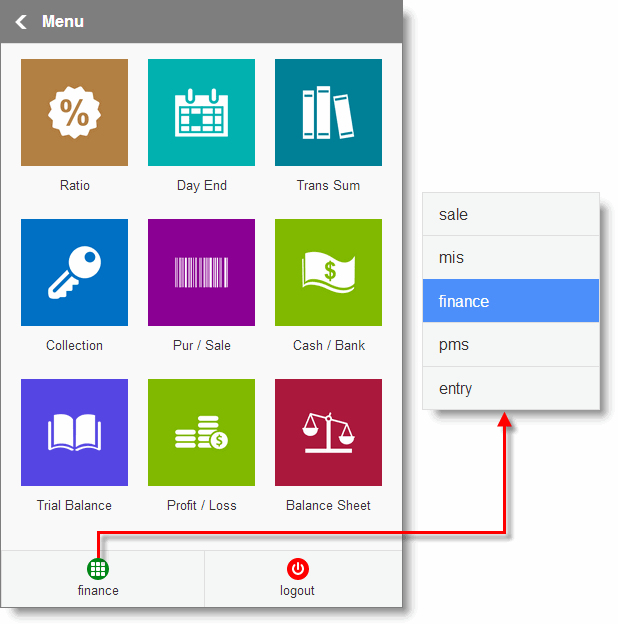
•Ratio: Shows Ratio Analysis report for the selected location.
•Day End: Shows Operator / Station wise Day End collection report in Summary / Analysis view for current day / current month / last day / last month.
•Trans Sum: Shows all transaction summary as on the date for the selected location.
•Collection: Shows Sale KPI (Key Performance Indicators) report for the selected location.
•Pur / Sale: Shows Purchase vs Sale report for current / last month.
•Cash / Bank: Shows Cash and Bank report for current day / current month / last day / last month.
•Trial Balance: Shows Trail Balance for current day / current month / last day / last month.
•Profit & Loss: Shows Profit & Loss for current day / current month / last day / last month.
•Balance Sheet: Shows Balance Sheet for current day / current month / last day / last month.