Reports with Chart
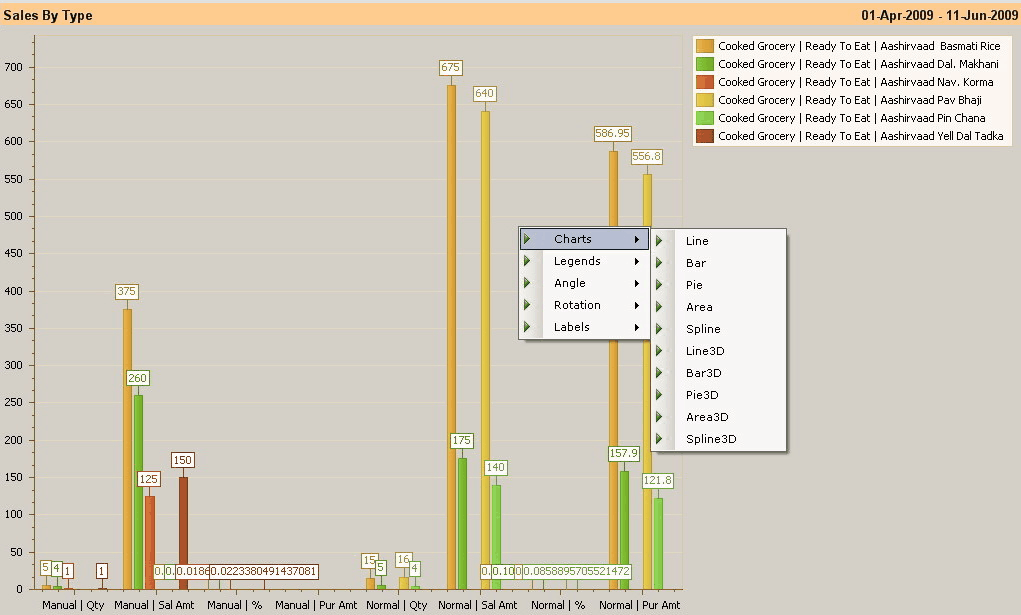
Click Chart (or press ALT + F11) to display the chart. Chart option is available in both Register and Pivot report format.
 Key Information Key InformationChart will be available only in the reports with some grouping on. |
Following picture displays chart of Customer Points.
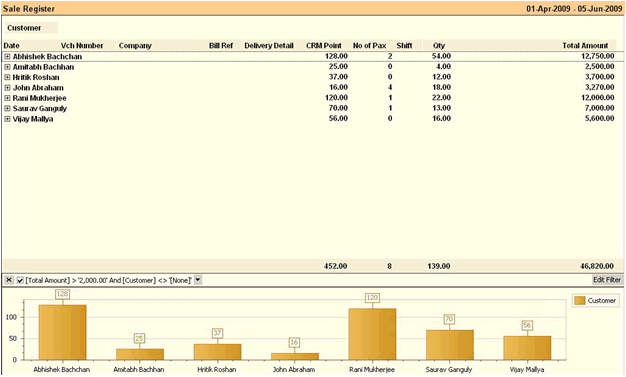
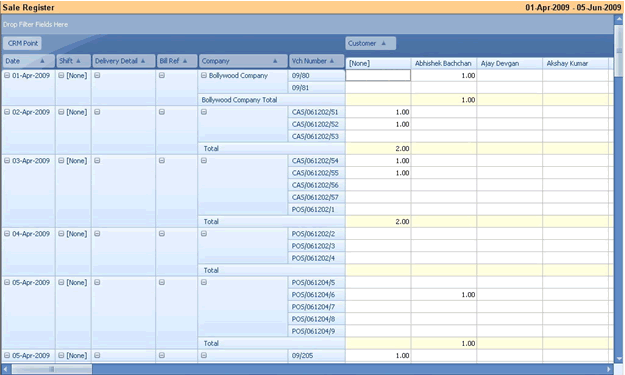

Double click the graph to open it in Full Screen mode.
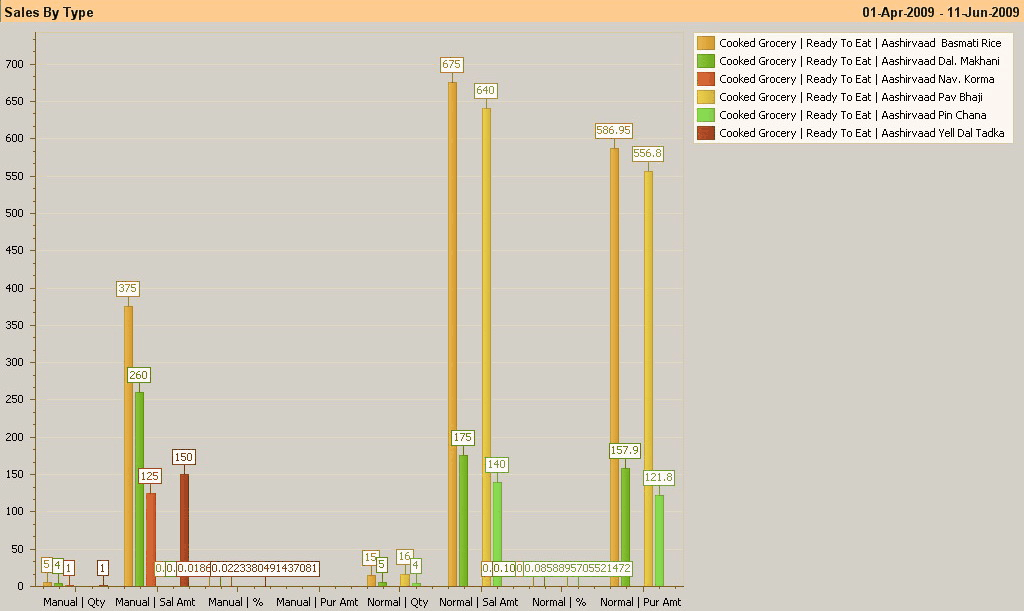
Right click to display a drop down menu. You can change style, legends, angle, rotation and labels for the displayed chart.