
Pre Poll Report
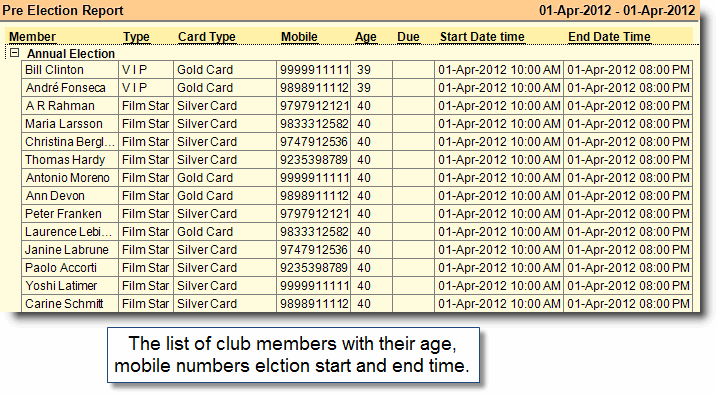
This report shows the list of club members with their age, type etc. Arrange your report according by dragging the columns.
Buttons in the Pre Poll Report:
Buttons are explained in Using Reports (Register). Buttons specific to “Pre Poll Report" are discussed here:

Name |
Particulars |
-A Show All |
Press ALT + A to see all records together like Eligible Member, Nomination, Pre Poll etc. |
^E Eligible |
Press CTRL + E to see only the eligible members. |
-N Nomination |
Press ALT + N only Nomination report. |
-P Pre Poll |
Press ALT + P to see only Pre Poll Report. |