
About RanceLab
Main Menu > Settings > About RanceLab (T > F)
It shows the particulars of the license copy of the RanceLab installed in the computer.
You can access this screen from anywhere by pressing "Alt+F9".
This shows you the database size, server name , version information and some other useful information.
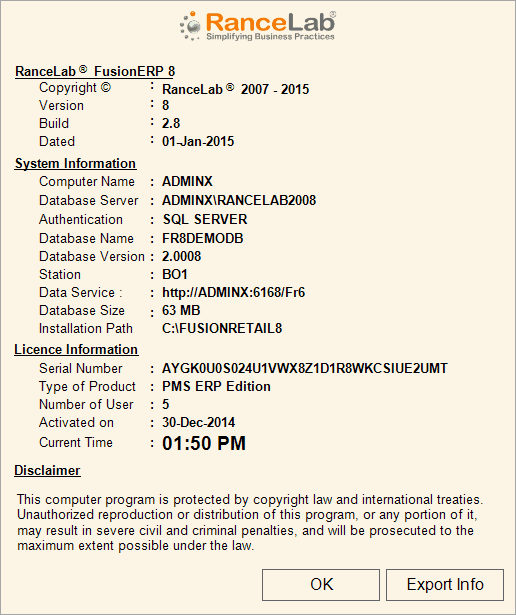
Note: You can export this information in a PDF file. The PDF file is created at \\Server\Fr6Share folder. The name of the file is RanceLabXXXXXX.pdf where XXXXX is the station name.